 PMAY Gramin
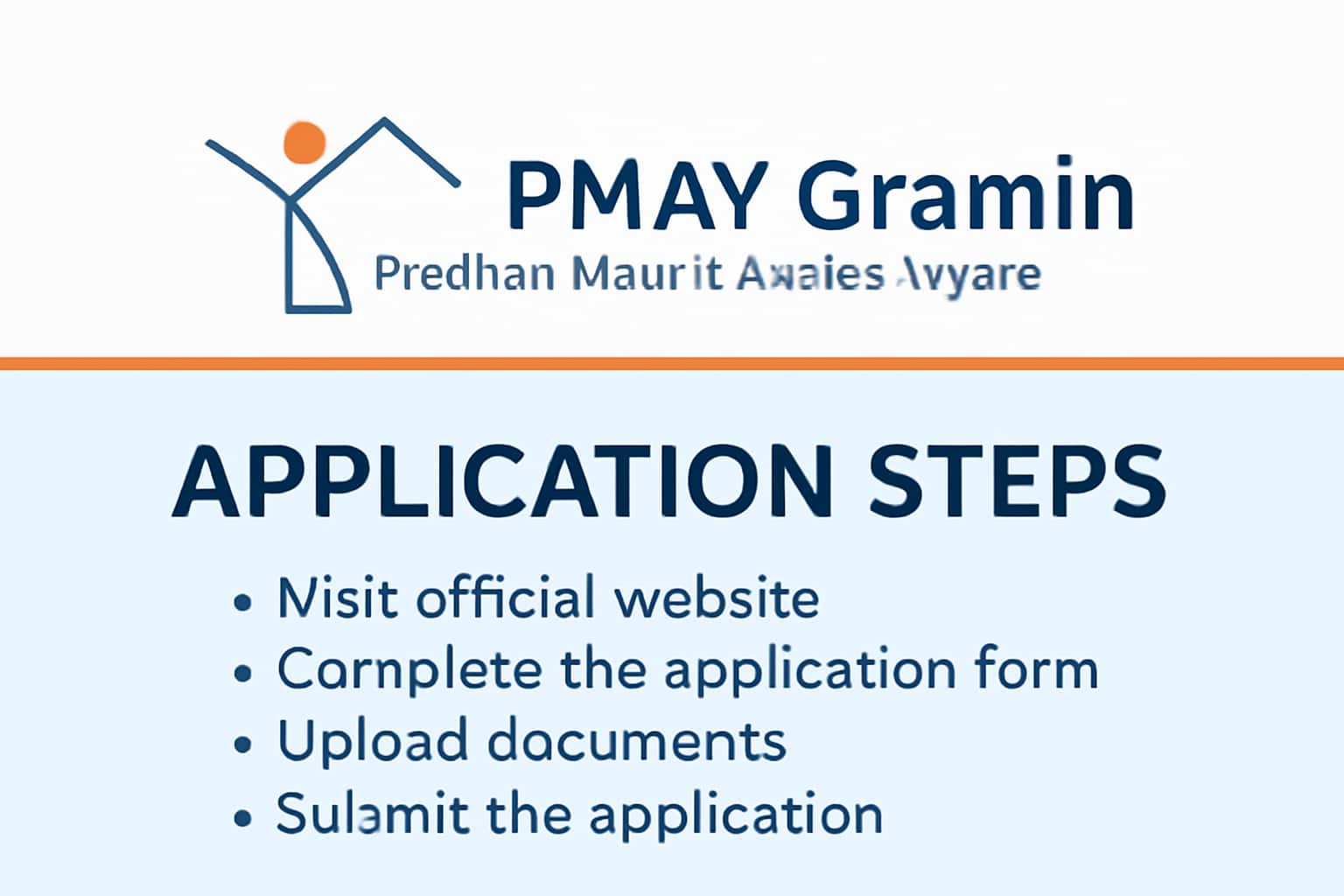
The Pradhan Mantri Awas Yojana Gramin (PMAY Gramin) aims to provide affordable housing to the rural population of India. If you're looking to apply, understanding the application steps is crucial. This guide will walk you through the necessary documents and procedures required for a successful application. For more information on eligibility, visit our Eligibility Criteria page. For related guidance, see Benefits of PMAY Gramin Scheme.
Who This Is For
The PMAY Gramin scheme is primarily targeted at individuals and families in rural areas who are seeking affordable housing solutions. This is especially beneficial for those from economically weaker sections of society. The initiative aims to enhance the quality of life by providing proper housing facilities.
If you are a farmer, daily wage worker, or belong to a marginalized community, you may find this scheme particularly useful. For example, a family living in a temporary shelter with inadequate facilities can apply for this scheme to secure a pucca house.
- Rural families in need of housing.
- Individuals from the economically weaker sections.
- Those looking to avail government housing benefits.
Eligibility & Requirements (Verify Official Notice)
Eligibility for the PMAY Gramin scheme may vary based on several factors, including income level and existing housing conditions. It's essential to verify the latest eligibility criteria through official notifications or the PMAY portal. Ensure that you meet all the conditions before proceeding to apply.
For instance, your family should not own a pucca house in your name or in the name of any family member. This clause is crucial for your eligibility. Also, check if you meet the income limits set by the government.
- Must belong to the economically weaker section.
- No pucca house in own name or in the name of any family member.
- Age and income limits may apply, verify with official sources.
Documents Needed
When applying for PMAY Gramin, you will need to gather specific documents that support your application. These documents help in verifying your identity, income level, and housing status.
Common documents required include an Aadhar Card for identity verification, an Income Certificate to establish your economic status, and proof of residence, such as a utility bill. Ensure that all documents are current and match the details you provide in your application.
- Aadhar Card or equivalent ID proof.
- Income Certificate to verify economic status.
- Proof of residence, such as a utility bill.
Step-by-Step: How to Proceed
To successfully apply for the PMAY Gramin scheme, follow these detailed steps. Each stage is crucial to ensure your application is processed without issues.
1. Visit the official PMAY Gramin portal.
2. Select the option to apply online.
3. Fill out the application form accurately with required documents. Double-check all entries to avoid mistakes.
4. Submit the application and note down the application reference number for future tracking.
- Visit the official PMAY Gramin portal.
- Select the option to apply online.
- Fill out the application form accurately with required documents.
Common Issues & Fixes
Applicants may encounter several common issues during the application process. Here’s how to address them effectively.
If you have difficulty logging in, ensure your internet connection is stable and that you are using the correct credentials. In case of document upload issues, verify the file formats and sizes as specified in the guidelines. If you receive error messages, consult the help section on the PMAY portal for troubleshooting tips.
For instance, if your application gets rejected, check the reasons provided and gather the necessary corrections before reapplying.
- Difficulty in logging in? Check your internet connection and credentials.
- Facing document upload issues? Verify file formats and sizes.
- If you receive error messages, consult the help section on the PMAY portal.
Frequently Asked Questions
Where do I verify the latest details?
Use the official portal/notification and cross-check dates.
What if I cannot login/apply?
Try the troubleshooting steps and verify OTP/KYC instructions.